PLANTILLION

An app to help nature lovers learn about and

diagnose issues with their plants.

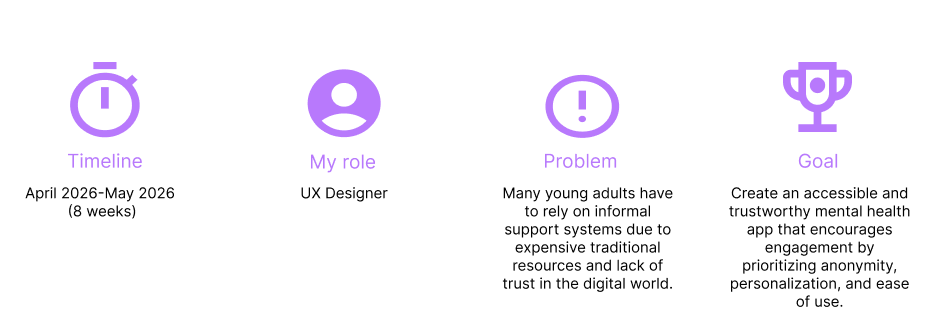
Four sections with blue icons and text about a Google UX certificate course, including duration, role, problem, and goal.
Images of mobile screens displaying plant care and social media apps, with various plant-related features and a profile page.

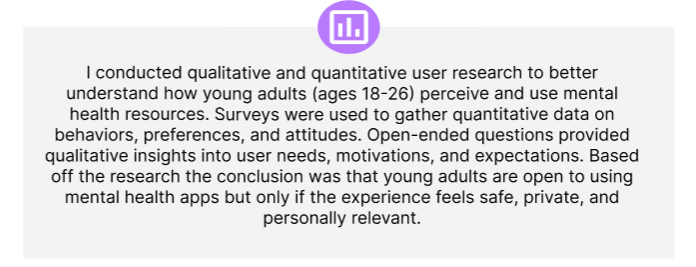
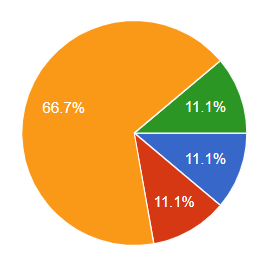
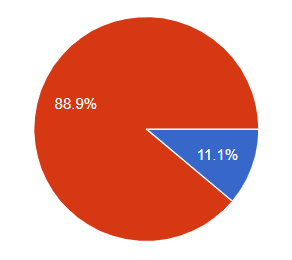
Research report with a blue highlighted section summarizing secondary research on user types and plant owners, including questionnaire interview details.
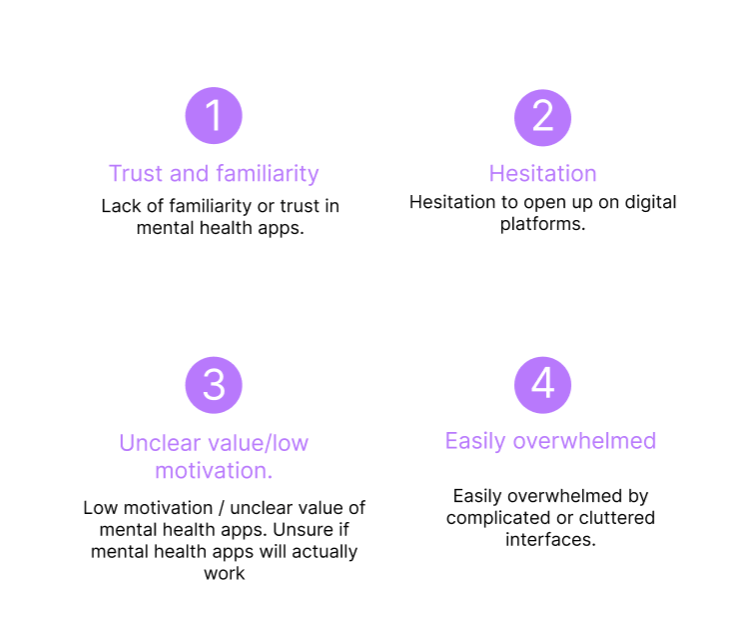
A presentation slide titled 'Pain Points' listing four issues: 1. Identifying plant issues like diseases and pests; 2. Uncertainty about how to care for houseplants; 3. Concerns about toxicity to pets and children; 4. Finding suitable plants that match their lifestyle with low maintenance.
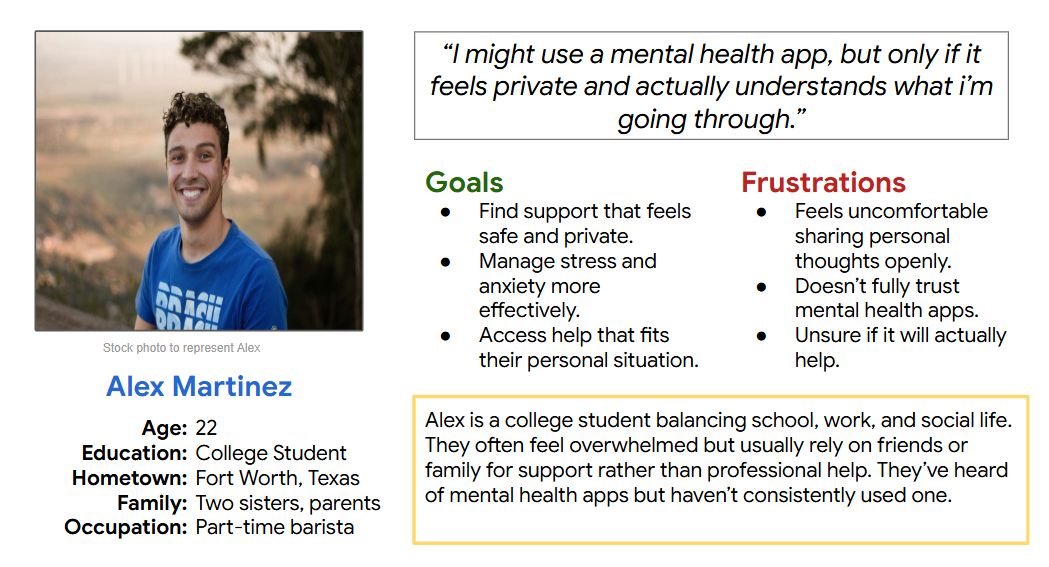
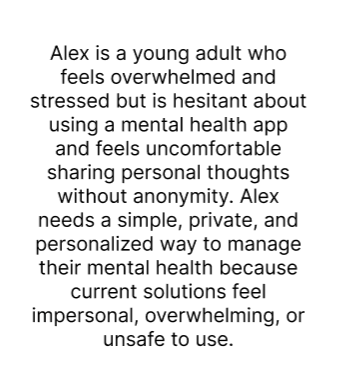
A user persona profile for 'Mary,' an elementary teacher, including her age, education level, hometown, family, and occupation. It features her picture, a quote about her nature interests, her goals, frustrations, and a background paragraph summarizing her lifestyle and preferences.
A story board with six steps demonstrating how to diagnose sick plants using the Plantillion app, including opening the app, selecting diagnosis, typing symptoms, taking a photo, reviewing listings, and getting solutions.
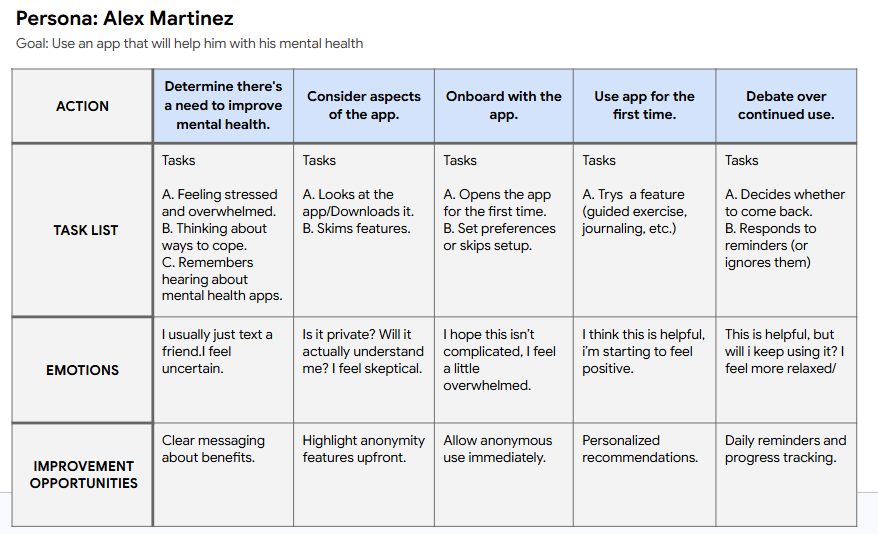
User journey table for persona Mary Keller, with actions and task lists related to diagnosing and caring for houseplants.

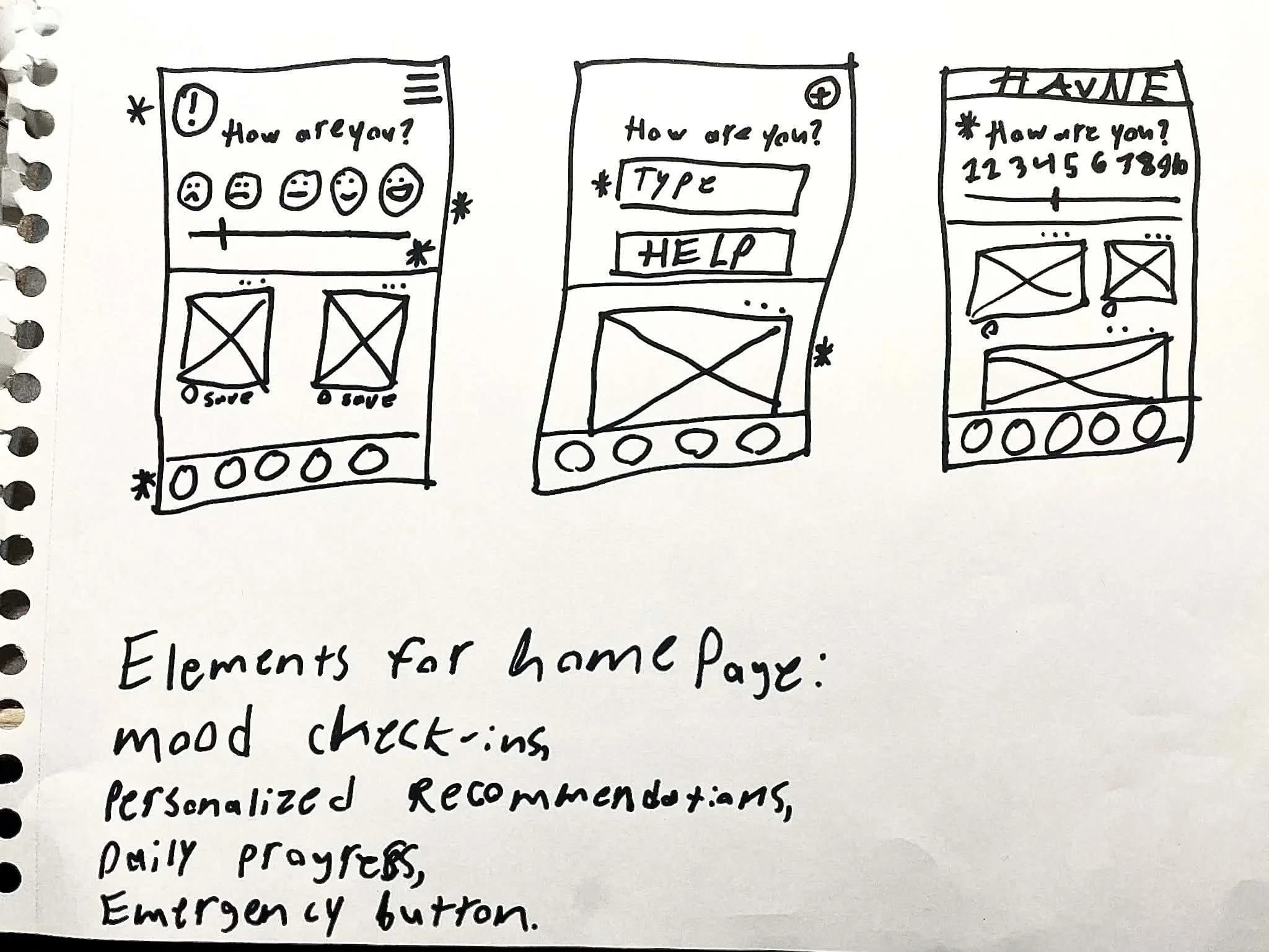
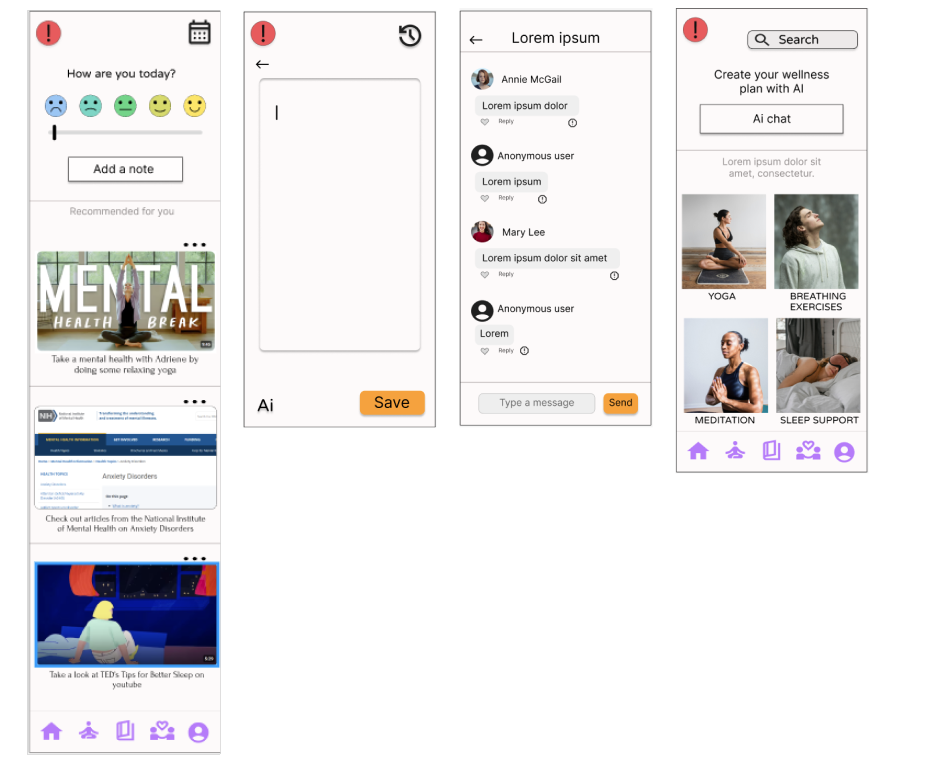
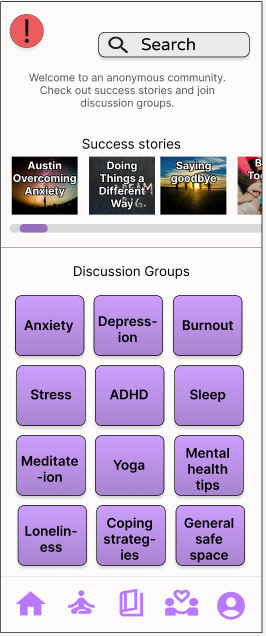
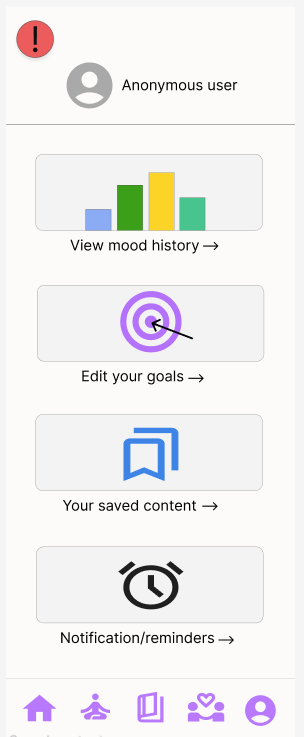
Text reading 'Wireframes' and 'Paper wireframes' on a plain background.
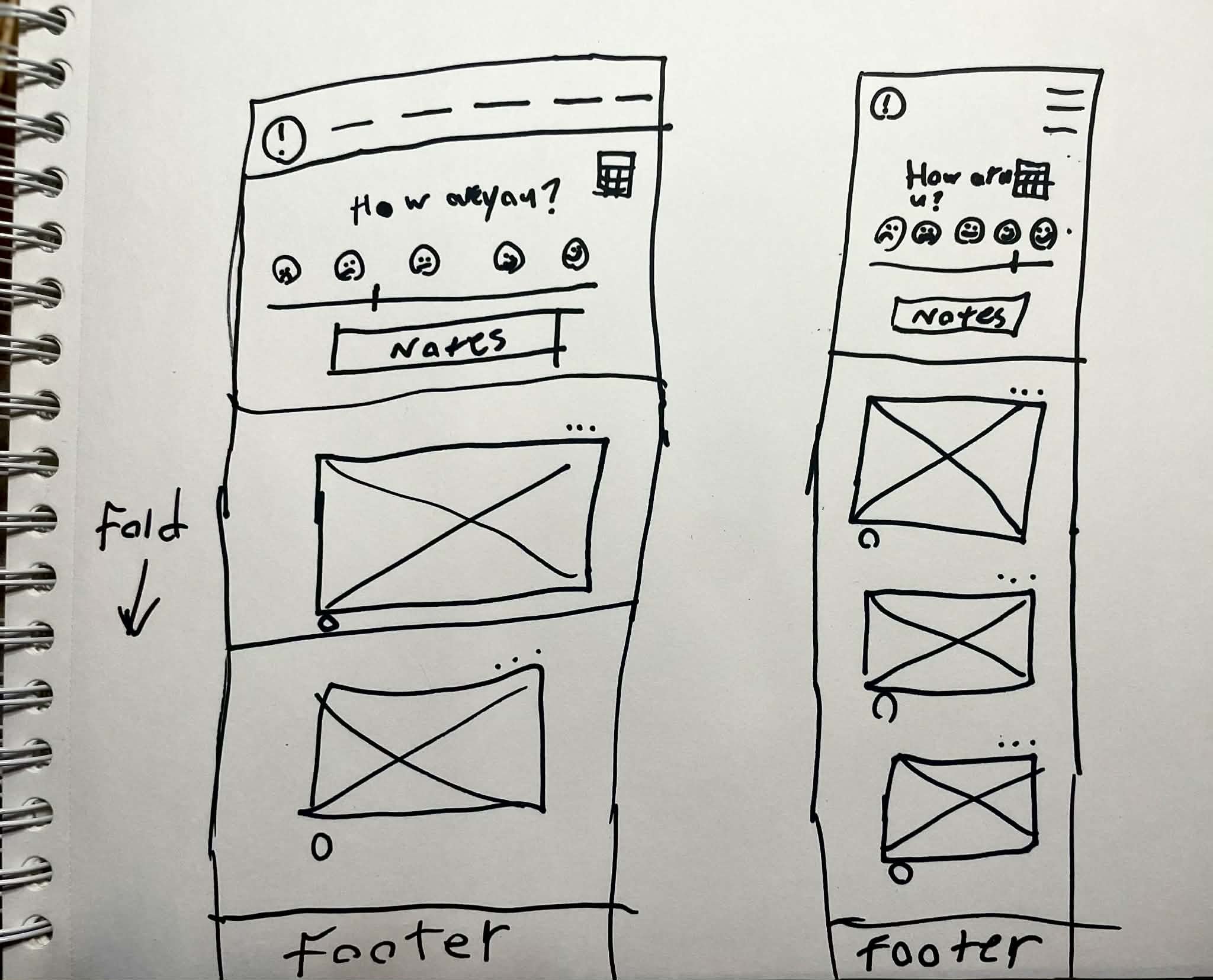
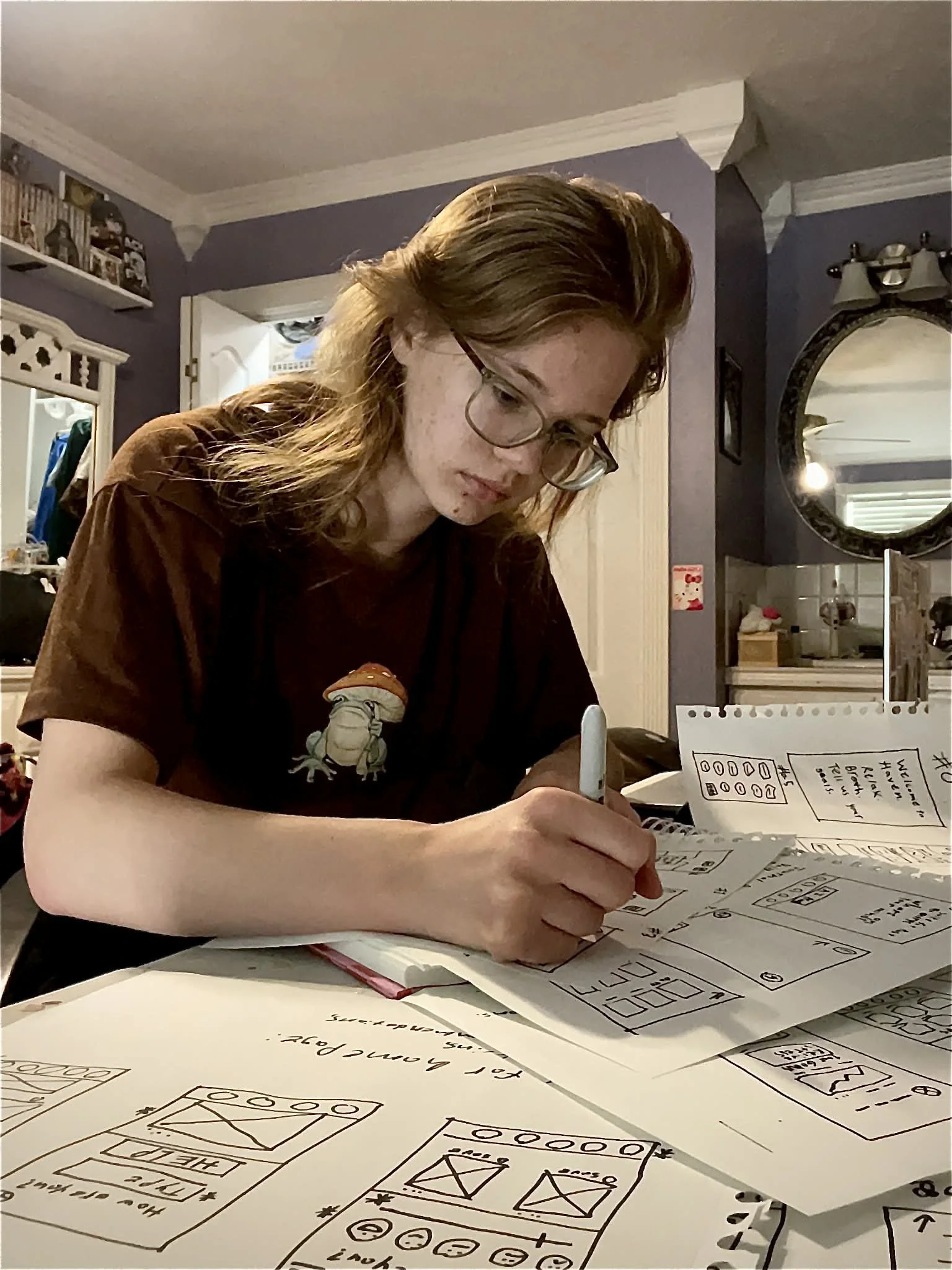
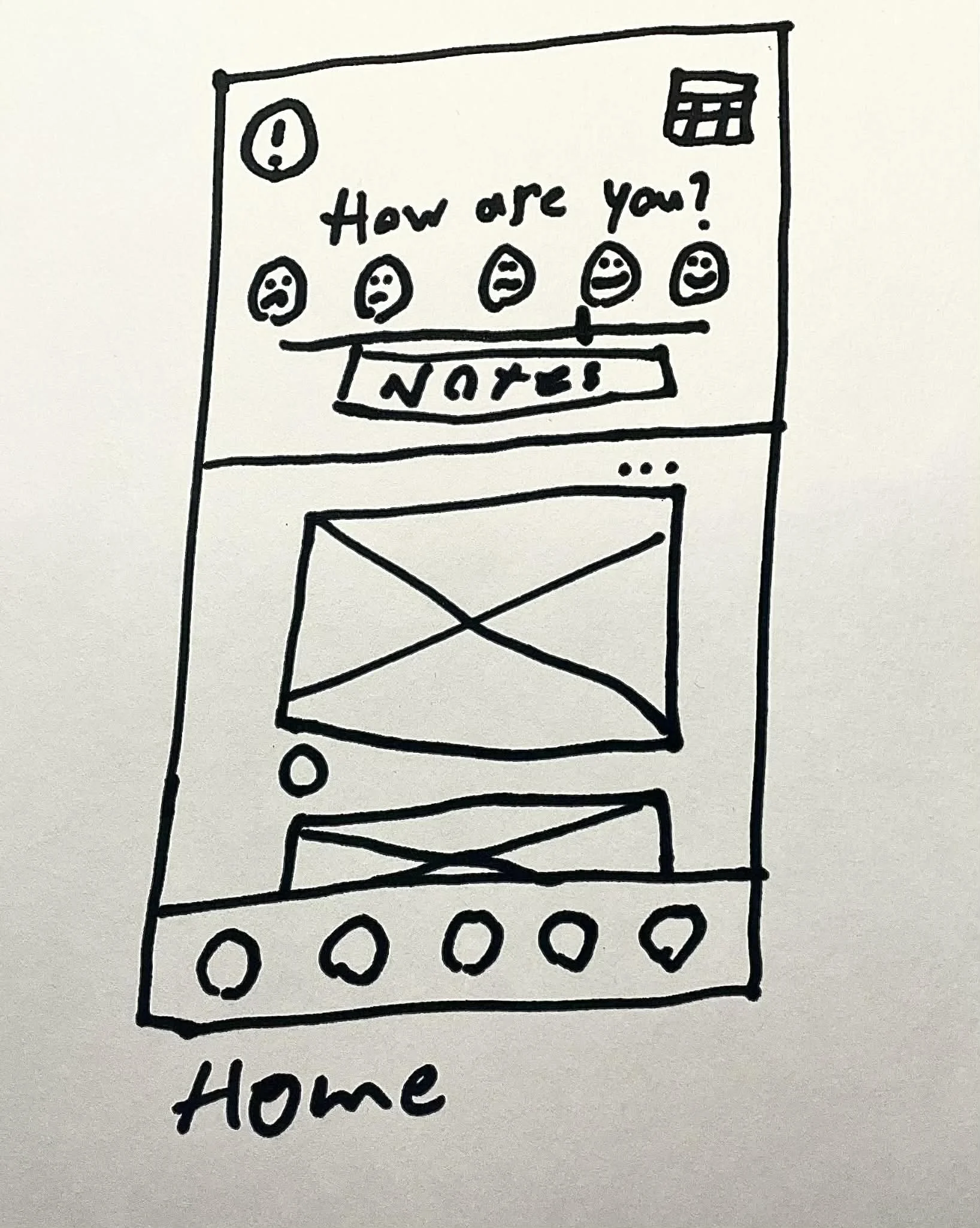
Five paper wireframes and one final refined wireframe for a mobile app, showing home screen layout with search bar, recommended items, and navigation icons. Four paper wireframes and one screenshot of desktop wireframes depict the app's home screen with elements like logo, search bar, and content sections in initial and iterative designs.
Text that reads 'Digital wireframes' in blue.
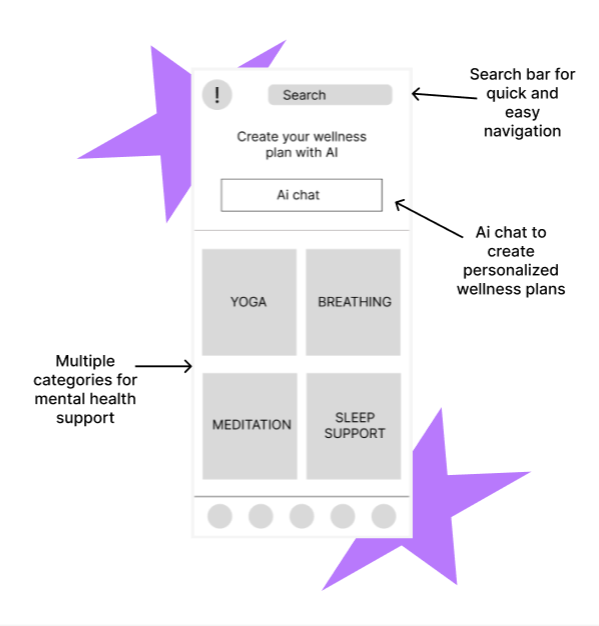
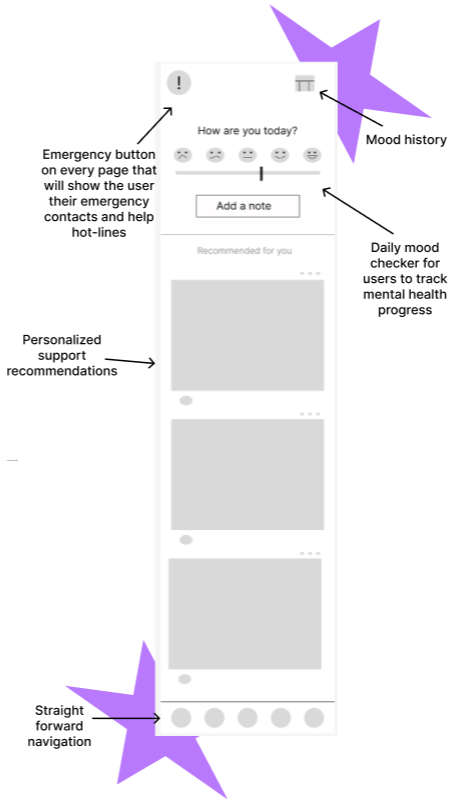
A design diagram of a plant tracking app interface, showing features like posting plants, tracking desired plants, profile menu, search, and plant posts with like and comment options.
A wireframe mockup of a gardening website interface showcasing a navigation panel on the left, a large content section in the center, and a sidebar on the right. The navigation panel includes several icons with labels such as Home, Diagnose, Post, 'My Plants', and Profile. The central section features a search bar labeled 'Search bar to help users find specific content' and a large placeholder image, with a caption explaining its function to help users relate and understand their plants. The right sidebar contains a series of smaller content blocks, with an arrow pointing to a plant addition feature, described as 'The ability to add deselected plants to "My Plants" or "Wanted Plants" to help users keep track of their plants.'

Diagram comparing low-fi prototypes for mobile and desktop versions, showing layout and navigation differences.
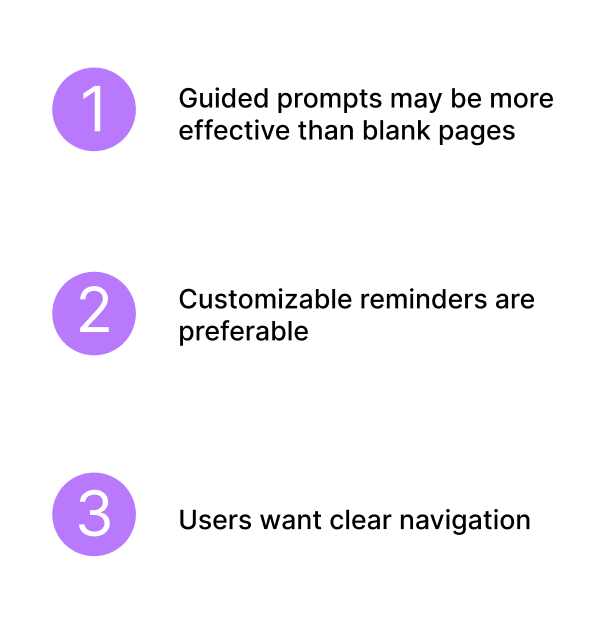
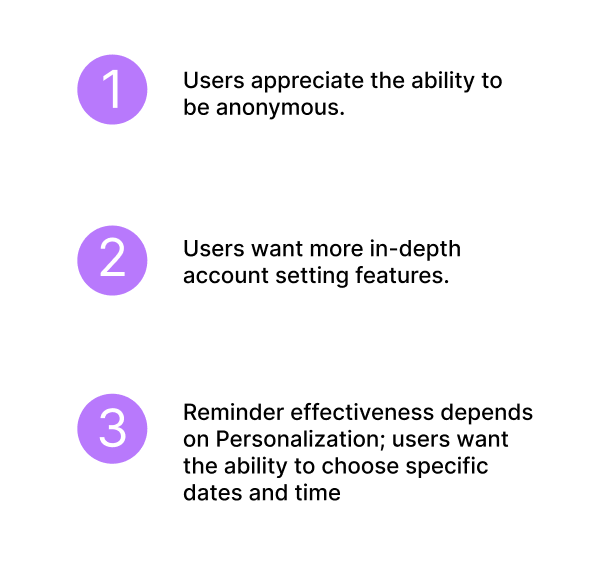
Slide presentation titled 'Usability study' with a blue box containing text, and three insights numbered 1 to 3, about user needs in usability testing.

Text that says 'Mockups'
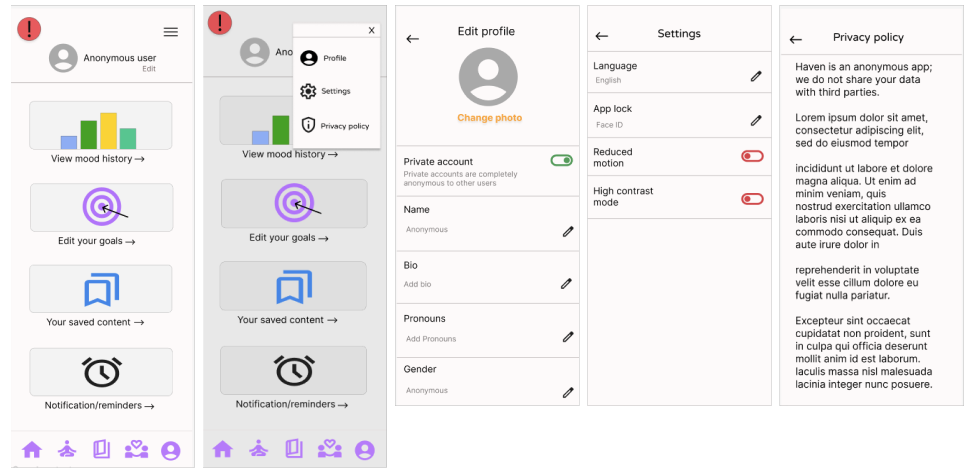
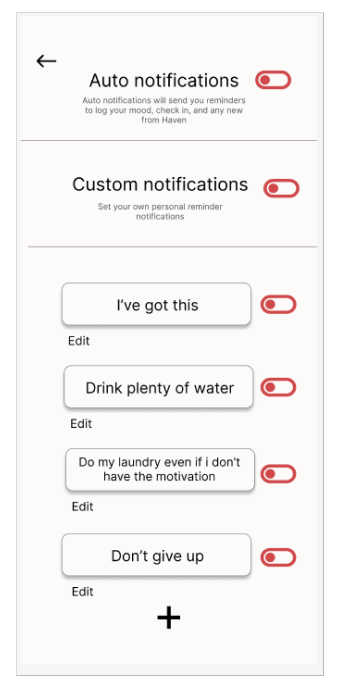
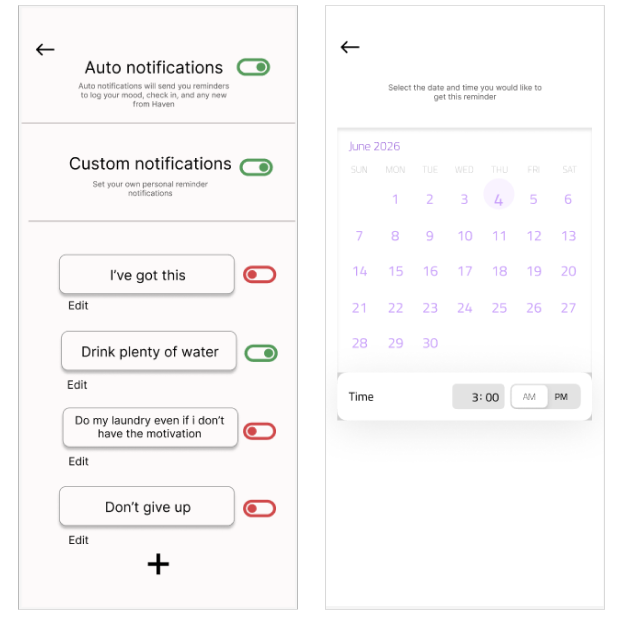
Screenshots of a mobile plant care app showing user profile, plant collections, plant categories, and online plant product shopping.
Screenshot of a social media profile page on the left and a photo editing interface with pink roses on the right.

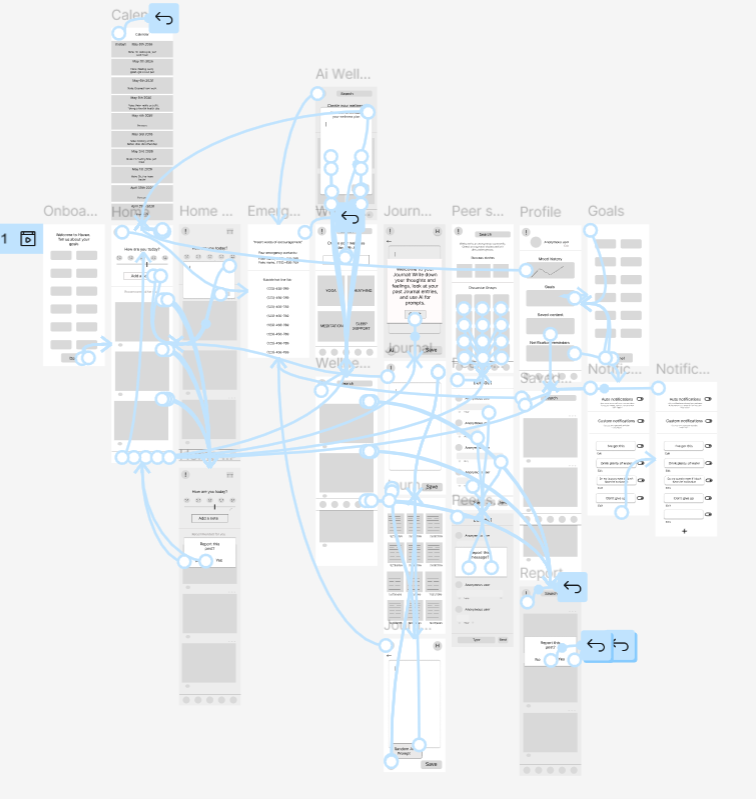
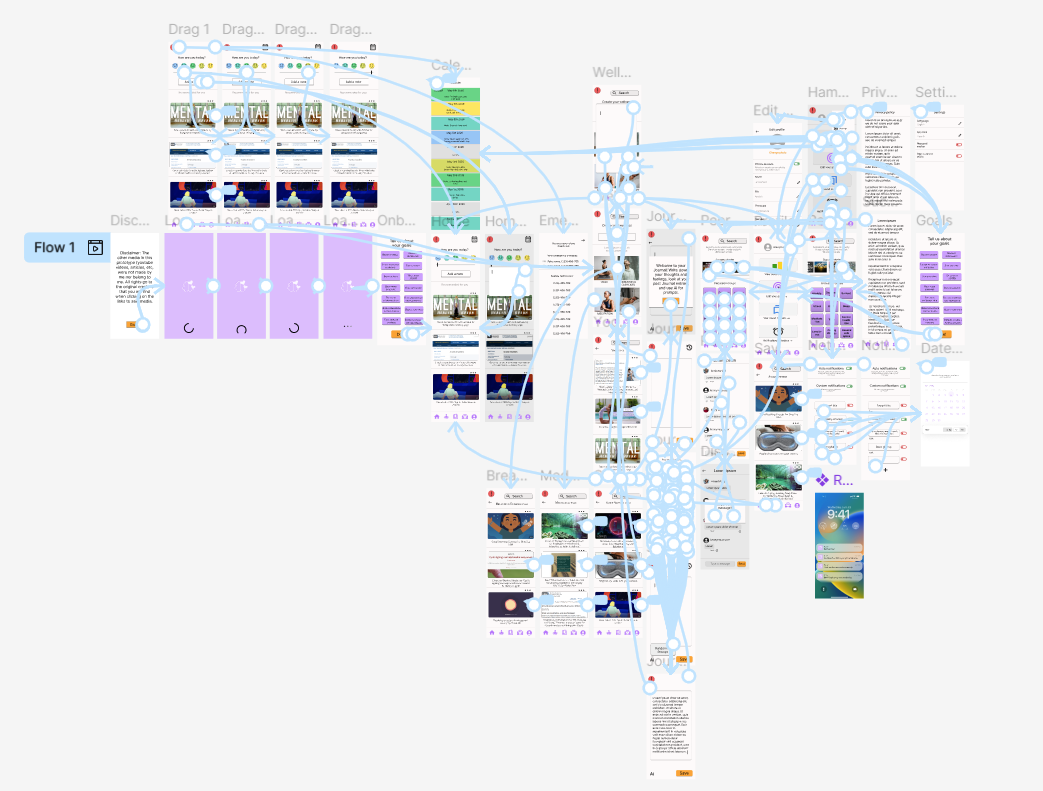
Flowchart diagram titled 'Hi-fi prototype' showing a mobile app interface with interconnected screens and navigation paths.
Flowchart diagram of a website’s page structure with links between pages, including homepage, profile, my plants, plant descriptions, and desktop views.
An infographic titled 'Usability study' displaying sections on Project background, Research goal, Participants, Research questions, Key Performance Indicators, and Methodology, with text outlining study details.

Slide titled 'Insights' with three yellow numbered circles displaying user needs: 1. Selecting camera roll and editing posts, 2. Wanting confirmation, 3. Searching for personal plants.
Comparison of a gardening app interface before and after confirming removal of a plant. The left side shows a list of plants, and the right side shows a confirmation dialog asking if the user wants to remove the plant from their list.
Comparison of two smartphone camera app mockups showing a plant photo editing feature. The left mockup is labeled 'Before usability study' and shows a blurred photo of two potted plants with camera controls. The right mockup is labeled 'After usability study' and displays the same photo in focus with editing options underneath, along with a 'Next' button.
Comparison image showing a mobile app interface before and after a usability study, focused on plant management features.

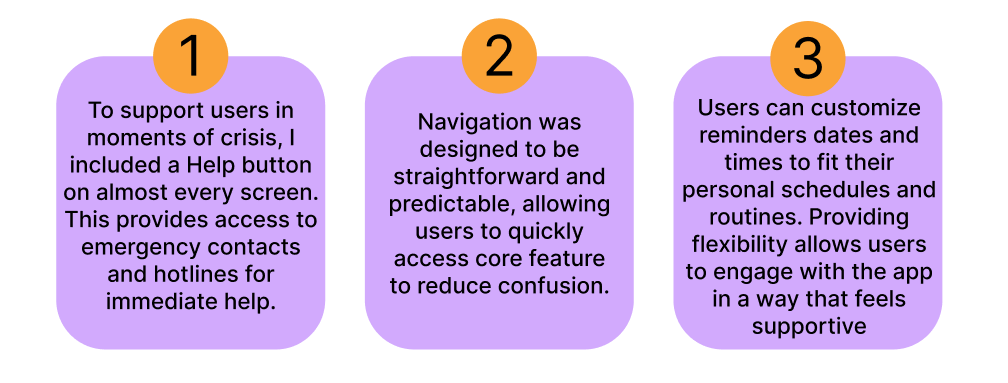
An infographic titled 'Accessibility considerations' with three blue rounded rectangles, each containing a numbered statement. All three state: 'I used visual hierarchy (e.g., larger or bolder text) to help users with low vision and to scan a page quickly.' The numbers are in yellow circles labeled 1, 2, and 3.

A white page with black text titled 'What I learned and would do different', discussing lessons learned from a first project, emphasizing the importance of accessibility and visual hierarchy, and reflecting on the value of in-depth user research.

Thank you message with appreciation for viewing a project and contact information.